

Question

Locking Version

  • August 29, 2024
  • 8 replies
  • 575 views

Forum|alt.badge.img+1

Hi,

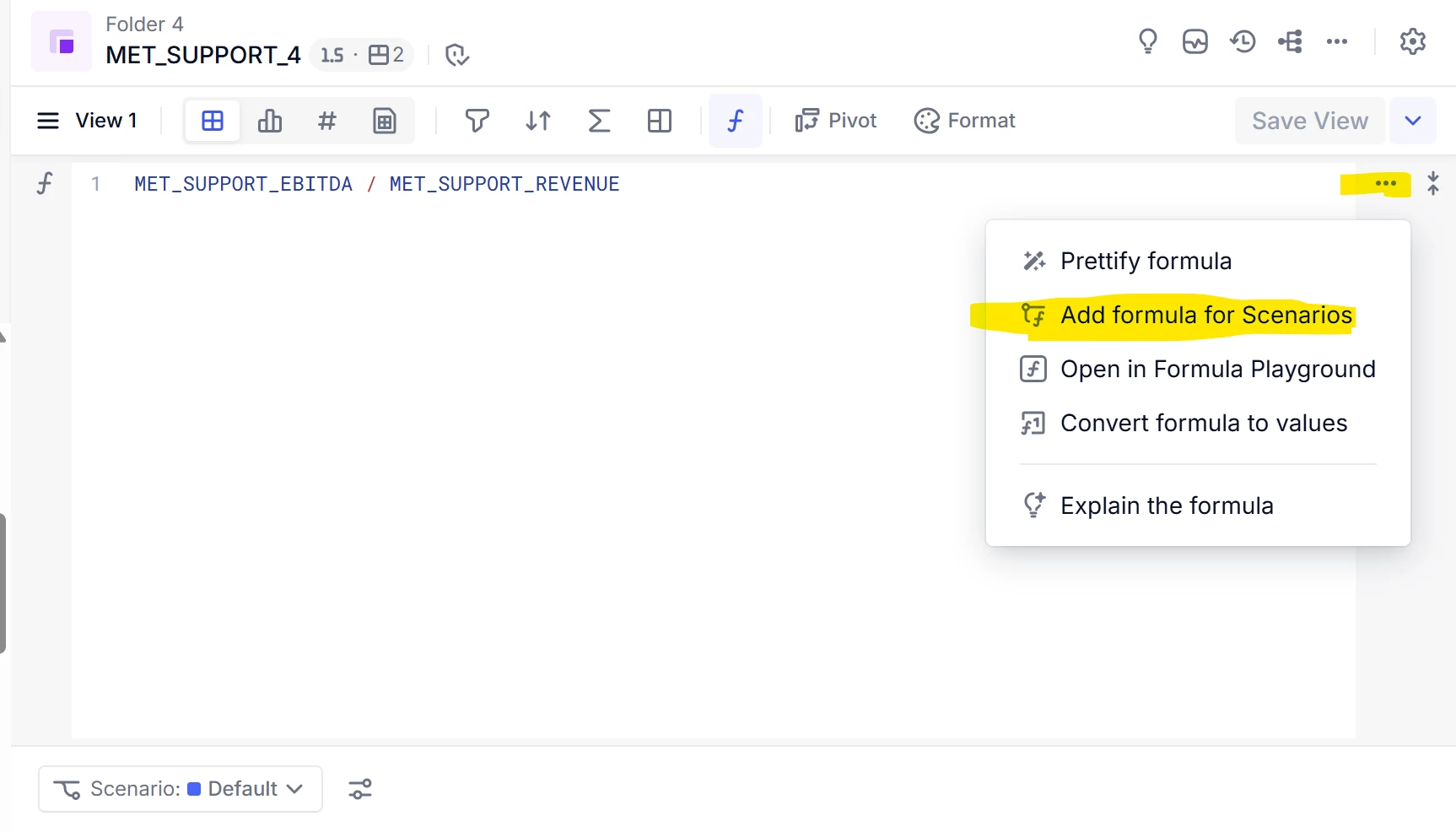
I am trying to build a forecast in Pigment which can have multiple versions. Is there a way, we can lock formulas in versions? I know there is a scenarios feature, in which we can have formulas for different scenarios. Are scenarios the preferred way of versioning in Pigment? 


Thank you

8 replies

Nathan
Employee
Forum|alt.badge.img+12
  • Employee
  • August 29, 2024

Hi,

Locking a formula and having different formulas for different versions is not the same thing. What are you trying to achieve ?


Forum|alt.badge.img+1
  • Author
  • Wallflower
  • August 30, 2024

Hi Nathan, 

I am trying to lock formulas for different versions. Is scenarios going to be the best option here or should I use a version dimension list to do this task?


Thank you


Nathan
Employee
Forum|alt.badge.img+12
  • Employee
  • September 2, 2024

Formulas are never locked. The admin/builder can always modify them. 

Only the snapshot is frozen


Benoit
Community Manager
Forum|alt.badge.img+15
  • Community Manager
  • September 2, 2024

Hi,

To add more on the top of Nathan’s answer, in Pigment, you can indeed create different versions of your forecast using the Scenarios feature. Each scenario can have its own set of formulas, allowing you to model different versions of your forecast. However, there isn't a feature to lock formulas specifically within scenarios.


If you want to prevent changes to the structure of your application, including formulas, you can use the App Lock feature. When the application is locked, members can't update formulas. However, they can still create, update, and delete Views & Boards, create and rename scenarios, perform manual inputs, trigger CSV and connector imports, and more.

Please note that the App Lock feature locks the entire application, not just specific scenarios or formulas.


Related Documentation:

Secure Your Pigment Application with App Lock


Lehtohen
Master Trendsetter
Forum|alt.badge.img+2
  • Master Trendsetter
  • September 2, 2024

Hey, 
If I understood correctly you have the following case:

  • There is a metric, let’s call it “Metric_Current”, which has a formula of  “A * B”
  • You are want to consider a scenario where this formula would be changed to “A * C”, which would mean that the values would change for all versions. 

One thing you could do is create a new metric, let’s call it “Metric_Frozen”, where you import figures from “Metric_Current”. This means that the values are frozen. 

You can then update the formula in “Metric_Current” to be “IF(Version = Version.X, Metric_Frozen, A*C)

Now your values for a certain version would be frozen. You can save the import configuration and publish it to a dashboard for easy use. 

I have used this method for some final reports where I have wanted to lock budget figures in case formulas are changed at some point of the year. This method allows building comparison reports between versions, but you will not be able to drilldown to every detailed calculation. 


Forum|alt.badge.img+2
  • Author
  • January 14, 2026

@Nathan - Is there anything on the roadmap that will help solve this issue? We have the same issue and see a need to edit metric formulas by scenario.


Lehtohen
Master Trendsetter
Forum|alt.badge.img+2
  • Master Trendsetter
  • January 14, 2026

Hello Cindy, 

I haven’t used this feature myself, but there is already a possibility to use different formula for different scenarios. 
Also, I believe the feature called Data Slices is going to be useful as it will allow referencing Snapshot models where you can save different formulas etc. 


Nathan
Employee
Forum|alt.badge.img+12
  • Employee
  • January 14, 2026

Hi,


Scenario is not recommended to build your Actuals/Plan/Forecast cycle.


To have different formulas by Versions you ca do:

  • create a boolean metric called Versions_RulesX
  • Make it true when you want a version to have a new formula
  • In your formulas do:
    IF(Versions_RulesX,
    new formula,
    old formula)
  • simple and very explicit. Anybody looking at the formula will know & understand