Get oriented in the community, from badges and ranks to posting guidelines
Recently active
Welcome to the Pigment Community!You’ve just joined the Pigment Community! Welcome! This guide will help you on how to dive in, meet others, and learn how everything works here.Inside this community, you’ll find proven solutions, insider tips, and direct access to fellow Pigmenteers who’ve faced (and solved) the very challenges you’re tackling. Think of it as your backstage pass to getting the most out of Pigment.We invite you to be curious, look around and discover all we have to offer! To help you get started, here’s your First Steps Checklist ✅:Register and complete your profile. Add a profile picture and fill out your profile details! Say hi! Introduce yourself in the Intro thread Join a local group. Connect with members in your country and exchange insights close to home. Jump in and ask a question, contribute an idea or share your insights! Active participation doesn’t go unnoticed! Our badge and ranking systems showcase your contributions. As you like, post, reply, and support
What does a Pigment user group look like? An engaging half-day that our customers spend with each other: honest conversations, a look at what’s coming next, and time to work through real questions together.At a glanceHear how other teams use Pigment, and what they’ve learned along the way Get a roadmap update from the Pigment team, with plenty of time for questions Join a workshop or roundtable on a practical topic, including Pigment AI Meet people from nearby companies over a mealWhether you’re new to Pigment or years in, you’re sure to find something useful to take away from our user groups! Someone who uses Pigment shares their story: how they got started, what surprised them, what they’d do differently, and what they’re working on now. Speakers range from teams just past go-live to those running mature setups, so there’s a range of experience levels and points in the Pigment journey for you to learn from.If you’re wondering how to do something, odds are someone in the room is too
Welcome to the Pigment Community! We are so happy to have you here! 👋We are here to create a space where Pigment users can share knowledge, learn, collaborate, and connect with one another. These Community Guidelines should not only help you understand how to act within the community, but also help you understand what to expect from others in this space.Your participation here is subject to these Guidelines. We are ALL Pigmenteers! All of us come from diverse backgrounds and we welcome that here in this forum. With that being said, please be committed to treating your fellow Pigmenteers with the utmost kindness and respect.This is a welcoming community of users, most importantly human beings, and we must make it a priority to keep this forum a safe space where everyone feels comfortable. No name-calling, offensive behavior, or bullying is allowed EVER. Our moderators will post helpful content, but we really want to learn and hear from YOU! Take a look around and if you see a place whe
Welcome to our annual introductions thread!We hope you’ll use this as a place to share a little more about yourself and get to know the other members in our community. Tell us where you work, a bit about your role, where you live and how you use Pigment. Add any interesting facts about you or even a nice picture that means a lot to you (like in a cool place, or with a pet)! If you want to see our past introductions thread for some inspiration, look here. I’ll get the ball rolling:Hi! I’m Isabella - I’m the Community Manager here at Pigment and I’ve had the great privilege of working here for 2 years. Before Pigment I worked at a data science education company, and my academic background is in Mathematics and Finance.I’m originally from South Africa and moved to the UK around 4 years ago - I’m now based in lovely Harrow. Outside of work you’ll typically find me reading, gaming, traveling, going to a gig, or building a cool cosplay for Comic Con.I’m looking forward to getting to know you
You might have noticed something new next to your profile picture 👀 That’s right, we’ve refreshed our ranking system! 🎉The new look is designed to better reflect your journey and celebrate the many ways you contribute to the community. Some folks love answering questions, others enjoy starting conversations, and many share ideas that inspire. Whatever your style, there’s a rank that recognizes it.Ranks are awarded automatically, and you’ll always display the highest rank you’ve earned. Our ranking system in full - click to enlarge 👩🏫 Helpers: Sharing Knowledge Through Answers Do you like helping others by jumping in with answers and advice? Then the Helper path is for you. Apprentice Helper → 1+ answers Helper → 5+ answers Master Helper → 10+ answers 💡 Most people haven’t taken the leap to answer a question yet, so if you share your knowledge, you’ll stand out right away. ✍️ Authors: Starting Conversations Some members are natural conversation starters. Authors create new to
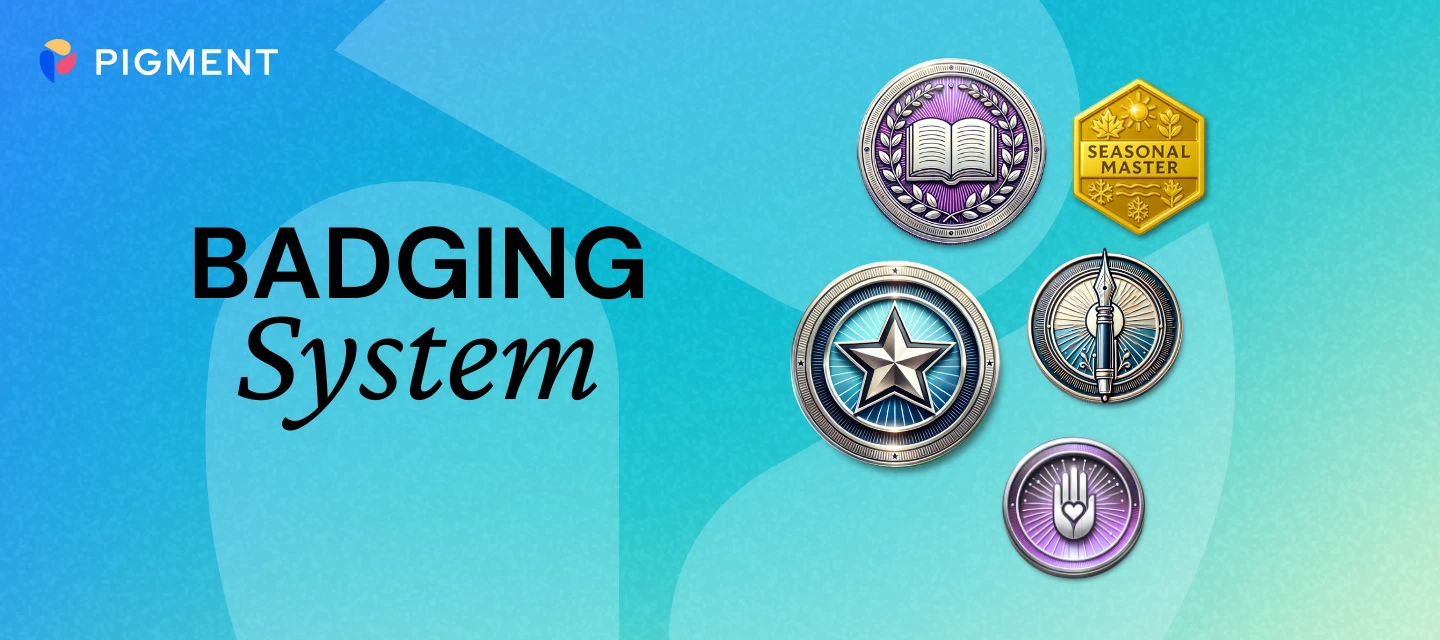
On this page we outline how you can obtain specific badges 🥇Our badges are designed to recognize different ways members engage, contribute, and grow in the community. They’re grouped into five categories:Core Badges: rewards everyday participation like posting, replying, liking, and helping others. Author badges reward amount of posts, Chatterbox badges reward amount of replies, Connoisseur badges reward amount of likes given, Star badges reward amount of likes received, and Helper badges reward amount of best answers. There is also the Season’s Standouts badge rewarded to 9 pigmenteers who stood out in a year (top 3 most posts, most ideas submitted, and most best answers). Product Impact Badges: celebrates members whose ideas or support tickets directly influence the product. Innovator badge rewards an idea submitted, Builder badge rewards and idea delivered into Pigment, and Bug Hunter rewards a raised support ticket that successfully resulted in a Product Bug Fix. Quarterly Recogni
1. I’m new to Pigment! Where should I start?Check out the Get Started section, where you will find what you need to start using Pigment in no time. 2. I’m new to this community. Where should I start? Have a look at the Welcome to the Community article and then introduce yourself here. 3. How do I sign in to the Pigment Community? You sign in to the Community using your Pigment App details:If you need to sign in, you will be directed to the Pigment sign-in page and will land here in the Community ready to go! If you’re already sign into Pigment, then you don’t need to do anything other than set a username. 4. How can I create a post?At any time, click the + Create post button at the top right corner of the page. 5. How can I edit my own post?After you publish a post, there will be options for “Like, Quote, etc.” at the bottom. To the right, you will see a More (...) menu, where you can select Edit.More (...) menu 6. Question or Conversation. What to choose? A Question is a topic wh
Already have an account? Login
Single Sign-On Need help?
Enter your E-mail address. We'll send you an e-mail with instructions to reset your password.