
Solved

Unable to Edit Scenario version

  • Mar 11, 2025 4:03 PM UTC
  • 2 replies
  • 353 views

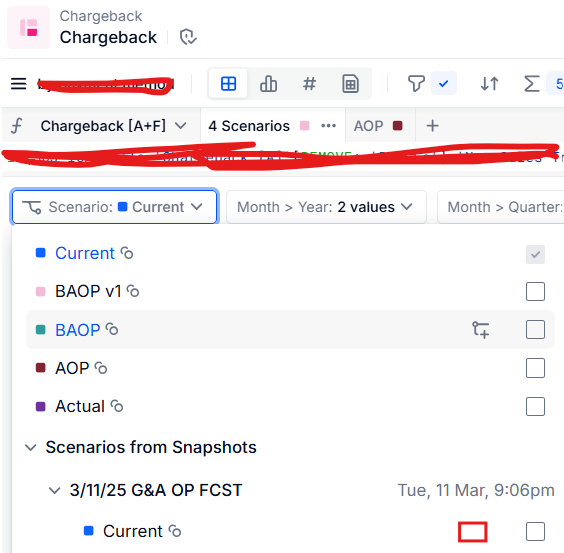
I took a snapshot of an application by selecting the scenario named “Current.” However, when using a table, I am unable to see the edit icon to rename the scenario from "Current" to "fcst." Could you help me understand why the edit option is disabled and how I can enable it?
 

Best answer by gablahoz

Based on the options you have for the ‘BAOP’ scenario, it looks like you don’t have the sufficient permissions to edit even a non-snapshot scenario. I suggest you reach out to your Pigment Admin or CSM to grant you the necessary permissions. Below is a longer way to edit a scenario name in a snapshot, but I imagine you could still run into permission issues.

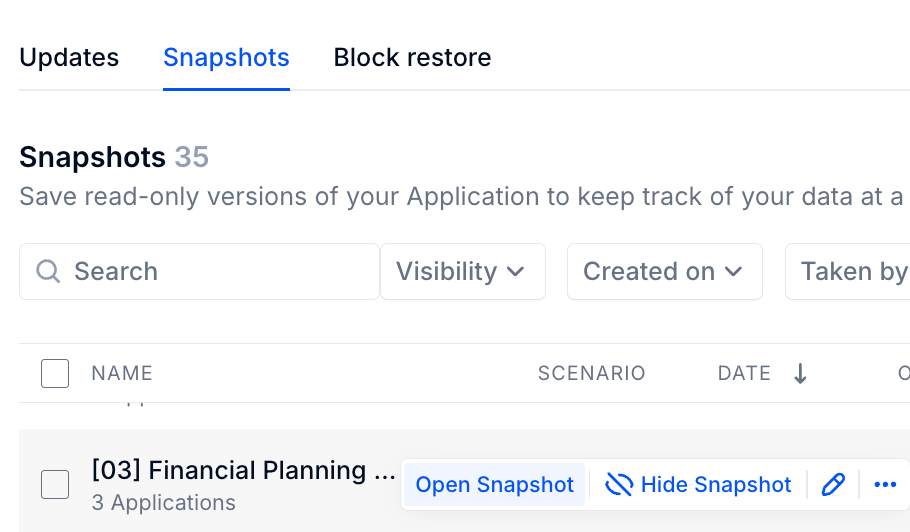
Go to your Model History > Snapshots tab. Open the snapshot through that page


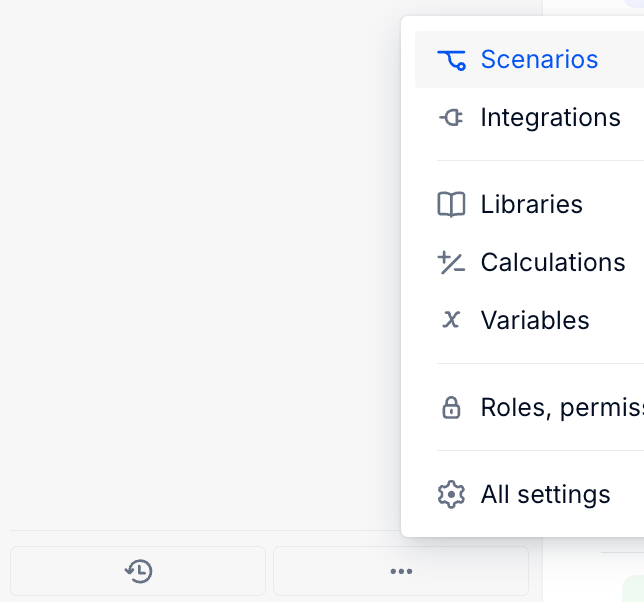
Open the Scenarios setting in that snapshot


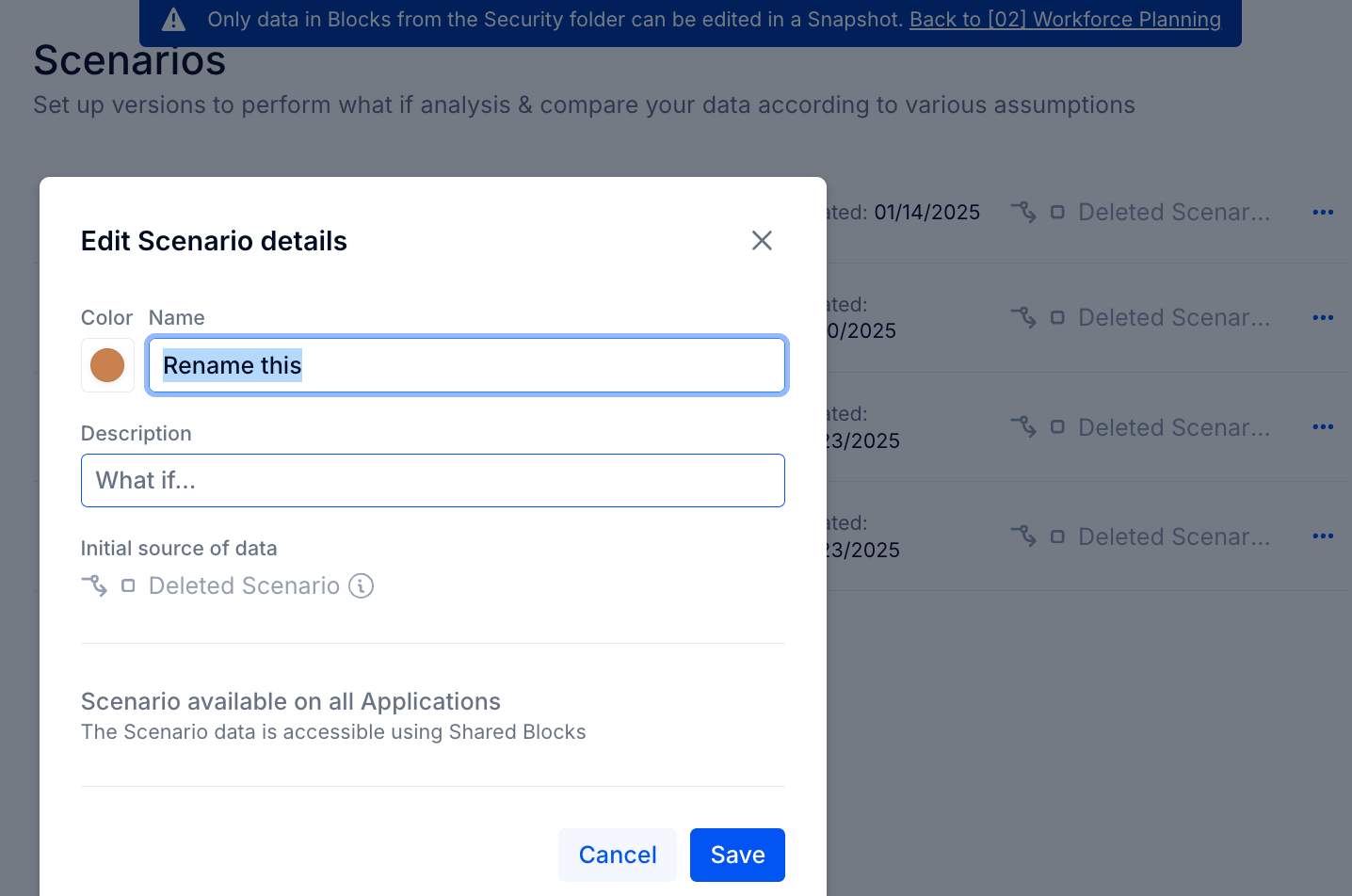
You can rename the scenarios there


View original

2 replies

Forum|alt.badge.img+9
  • Answer
  • Mar 12, 2025 9:02 PM UTC

Based on the options you have for the ‘BAOP’ scenario, it looks like you don’t have the sufficient permissions to edit even a non-snapshot scenario. I suggest you reach out to your Pigment Admin or CSM to grant you the necessary permissions. Below is a longer way to edit a scenario name in a snapshot, but I imagine you could still run into permission issues.

Go to your Model History > Snapshots tab. Open the snapshot through that page


Open the Scenarios setting in that snapshot


You can rename the scenarios there


  • Author
  • Apprentice Author
  • Mar 13, 2025 4:25 AM UTC

Yes, I still do have permission issues. I will reach out to the admin. 
Thankyou.