

Solved

Using something similar to Vlookup

  • Aug 18, 2022 4:06 PM UTC
  • 3 replies
  • 736 views

Forum|alt.badge.img+2

Dear Community,


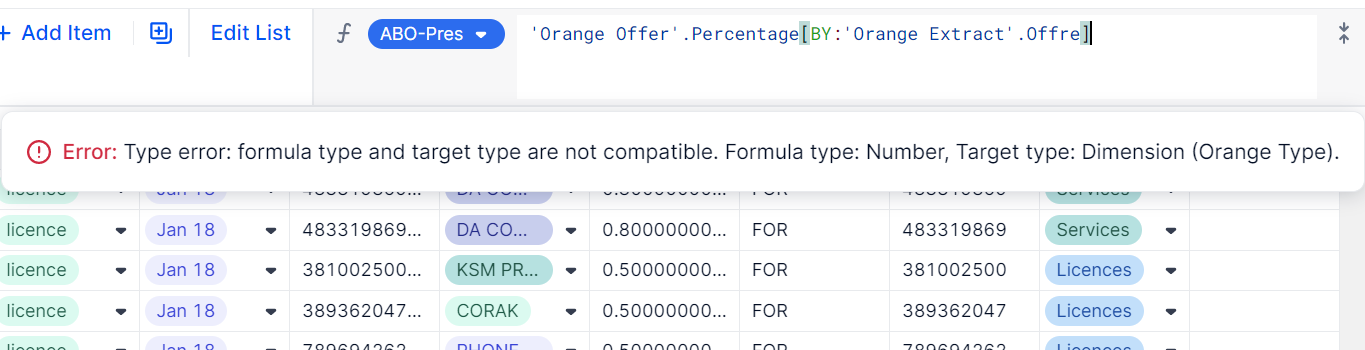
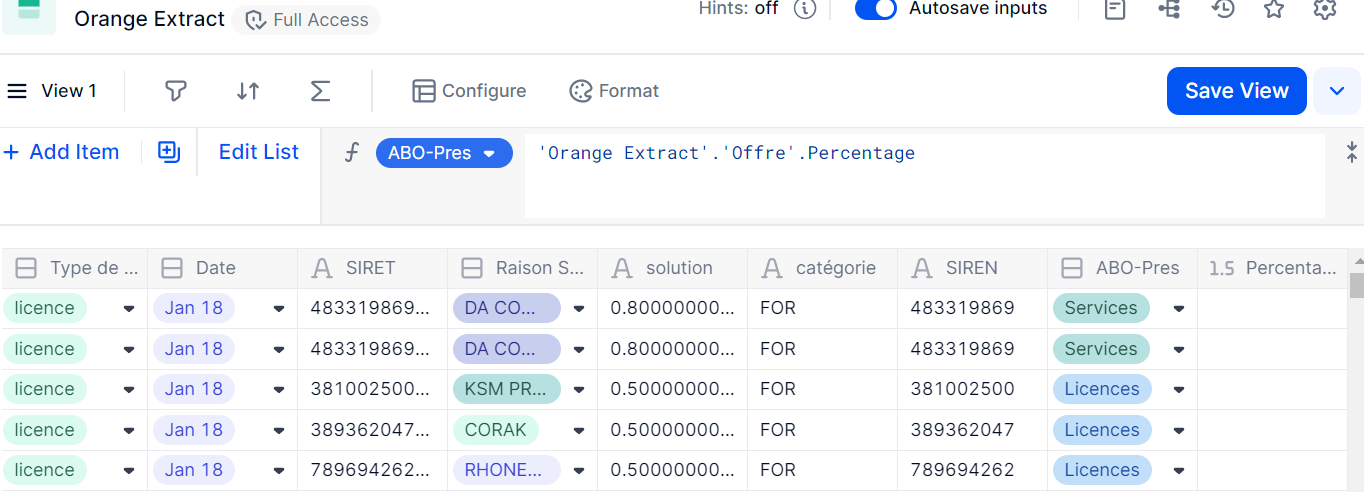
I have a transaction list in which I want to add a percentage based on a dimension I have, but I get the sum of the all the percentages in every line.
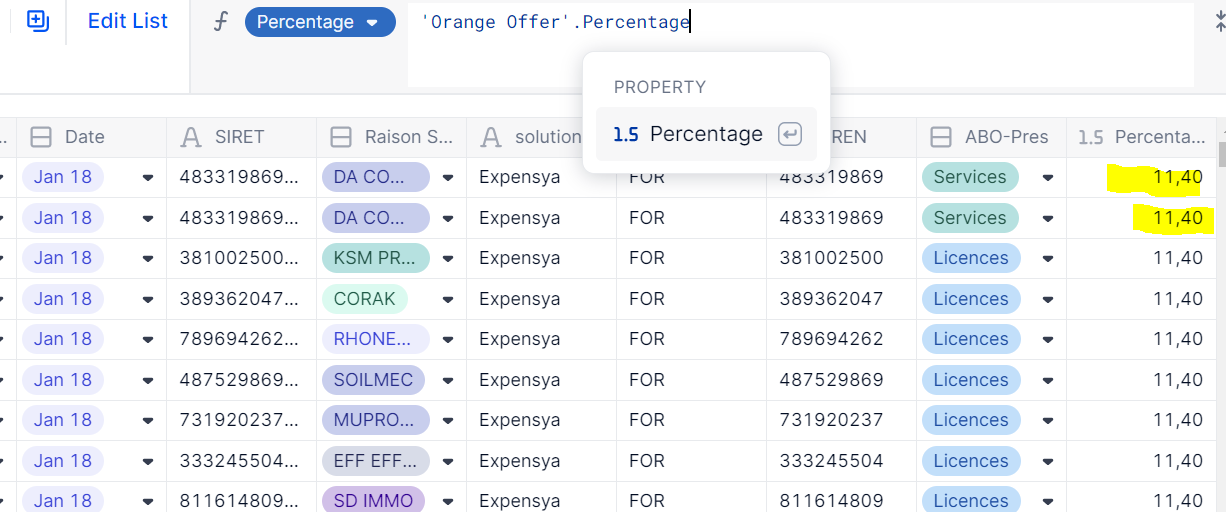
 

I want to do what would be a simple VLook up in excel from the following dimension:
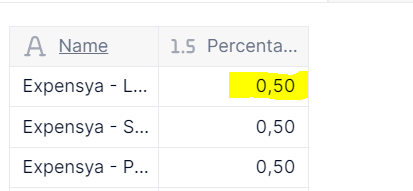
 

If you have any guidance or any idea how to do that on Pigment it would really help me. My end goal is to have each amount that is on every line multiplied by a percentage based on the dimension name of the offer.


Thank you very much in advance!

Jose

Best answer by francois

It seems like you’re typing your formula in the property ABO-Pres and not in Percentage, which is why you have this error.


View original

3 replies

Nathan
Employee
Forum|alt.badge.img+12
  • Employee
  • Aug 18, 2022 4:11 PM UTC

Hi Jose,


It is as simple as in excel:

‘Orange Offer’.Percentage[By:’Transaction list’.’property with orange offer dimension’]

However it can be accessed in another way in Pigment, simpler in some ways: ’Transaction list’.’property with orange offer dimension’.Percentage


so Most likely: ’Transaction list’.ABO-Pres’.Percentage


Forum|alt.badge.img+2
  • Author
  • Wallflower
  • Aug 18, 2022 4:39 PM UTC

Hey Nathan!

Thanks for the reply, but it did not work with the 2 options.


I am adding a column to a transaction list called Orange Extract, I set it up as number because I want to create another column that multiplies that percentage by the amount.


francois
Employee
Forum|alt.badge.img+13
  • Employee
  • Answer
  • Aug 19, 2022 6:49 AM UTC

It seems like you’re typing your formula in the property ABO-Pres and not in Percentage, which is why you have this error.