I need to automatically create new list items from a Transaction List.
Specifically, I need to add items to a list using a Transaction List because, unfortunately, I am unable to create them upstream.
I tested importing a list from the Transaction List, but this approach does not allow me to map a formula field.
I also tried importing the list through a Transaction List, but without success. The following error message is displayed:
Are there any alternative solutions or other approaches available?
Thank you in advance for your help.
Kind regards,
Best answer by Julie Guérin
Hi there!
You generally can't create new List items from a Formula field during an import from a Transaction List. List item creation/import needs a concrete mapped value (like a text, code, or name column), rather than a calculated formula result.
Here’s a simple workaround:
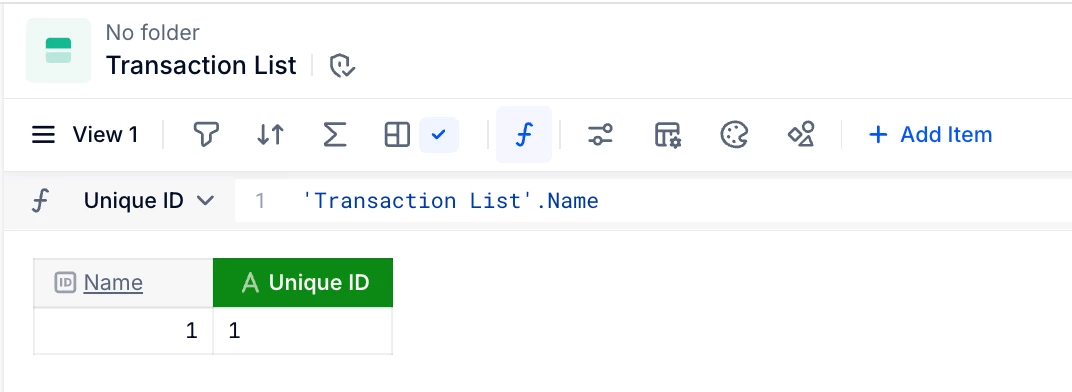
Create a unique ID text property in your Transaction List (this can be a formula, but not an autogenerated ID).
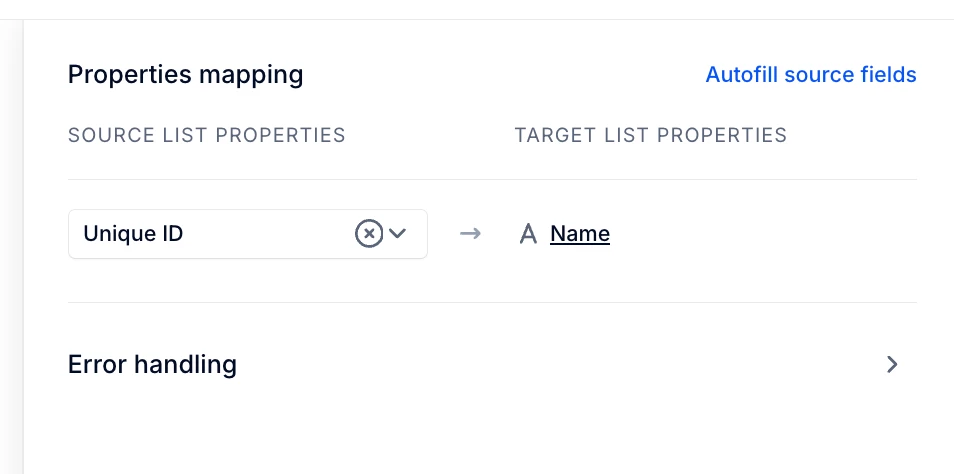
Use that new property as the source for the new List item.
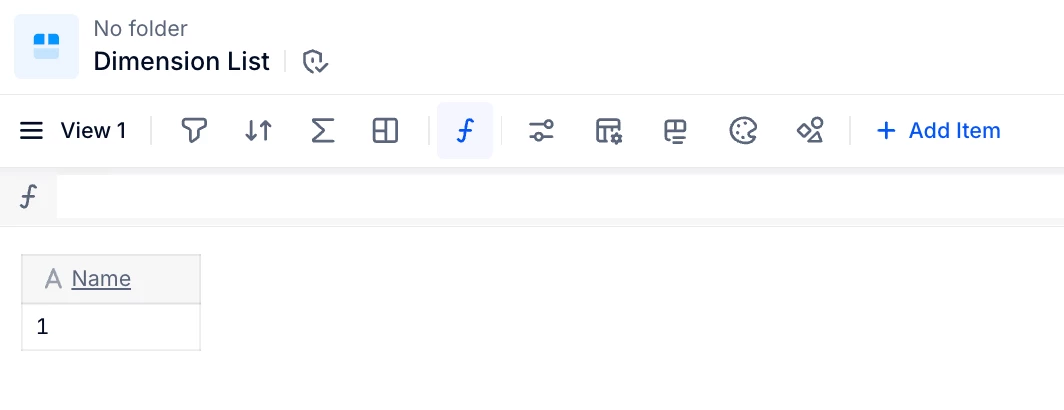
In the dimension list, if your unique ID is a formula, create a second unique ID property and map it to that text property.
You generally can't create new List items from a Formula field during an import from a Transaction List. List item creation/import needs a concrete mapped value (like a text, code, or name column), rather than a calculated formula result.
Here’s a simple workaround:
Create a unique ID text property in your Transaction List (this can be a formula, but not an autogenerated ID).
Use that new property as the source for the new List item.
In the dimension list, if your unique ID is a formula, create a second unique ID property and map it to that text property.
Thank you for your feedback. A solution was found by using the unique ID from the Transaction List, a formula to generate the key for the list item to be updated, and a property whose formula uses the RANK function. Using these elements, a P2P was set up, ensuring uniqueness through a filter on the property using the RANK function.
Thank you for your feedback. A solution was found by using the unique ID from the Transaction List, a formula to generate the key for the list item to be updated, and a property whose formula uses the RANK function. Using these elements, a P2P was set up, ensuring uniqueness through a filter on the property using the RANK function.