

Question

Creating New List Items from a Transaction List

  • August 4, 2026
  • 1 reply
  • 21 views

Forum|alt.badge.img+1

Hello everyone,

I need to automatically create new list items from a Transaction List.

Specifically, I need to add items to a list using a Transaction List because, unfortunately, I am unable to create them upstream.

I tested importing a list from the Transaction List, but this approach does not allow me to map a formula field.

I also tried importing the list through a Transaction List, but without success. The following error message is displayed:

attachment?token=eyJ0eXAiOiJKV1QiLCJhbGciOiJIUzI1NiJ9.eyJpZCI6MTAzMzM3MzU3NTE0LCJkb21haW4iOiJnb3BpZ21lbnQuZnJlc2hkZXNrLmNvbSIsImFjY291bnRfaWQiOjI3MjAwMTd9.gZN2rya1gVBfiszSnp2SbDG_NPMEb_KkRYYPqp3IF1M


Are there any alternative solutions or other approaches available?

Thank you in advance for your help.

Kind regards,

1 reply

Julie Guérin
Employee
Forum|alt.badge.img+9

Hi there!

You generally can't create new List items from a Formula field during an import from a Transaction List. List item creation/import needs a concrete mapped value (like a text, code, or name column), rather than a calculated formula result.

Here’s a simple workaround:

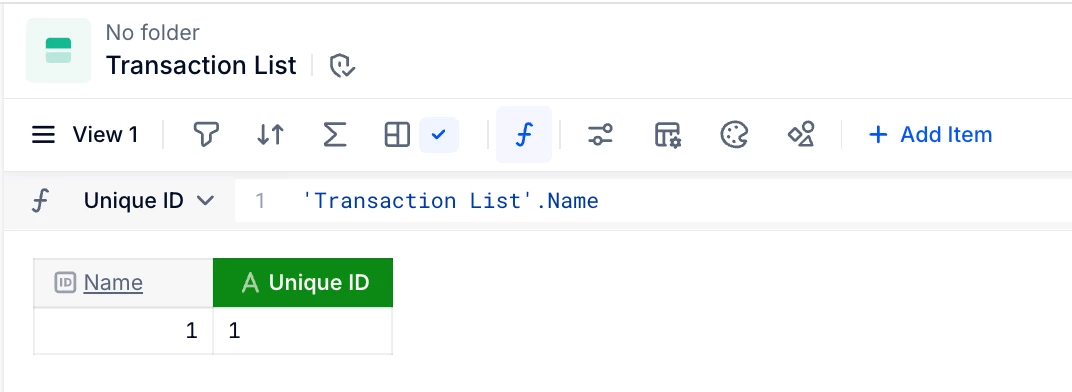
  1. Create a unique ID text property in your Transaction List (this can be a formula, but not an autogenerated ID).


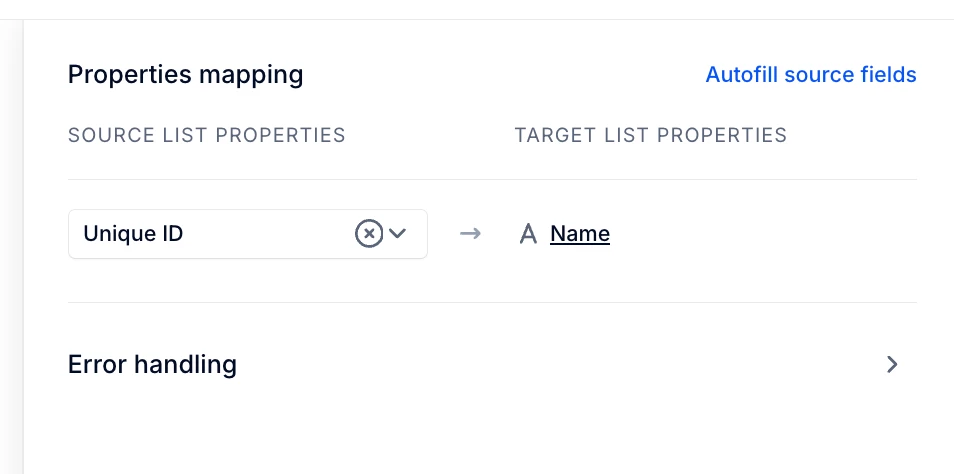
  2. Use that new property as the source for the new List item.


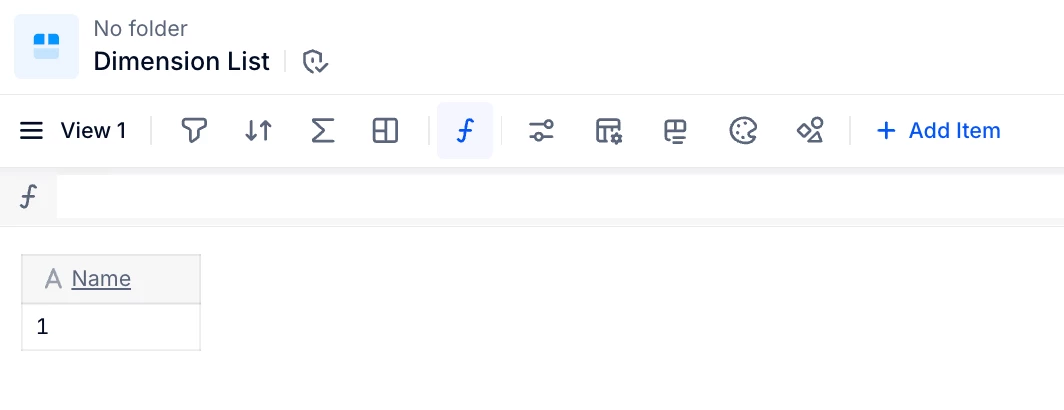
  3. In the dimension list, if your unique ID is a formula, create a second unique ID property and map it to that text property.

Hope that helps!