
Hey,
Is there a way in Pigment by which we can do the following in the same grid/table:
show “FY 2025 column header” for some metrics and
“FY 26 ” columns for some other metrics

Solved
Dynamic year selection in a grid


 +17
+17- Master Helper
Best answer by Julie Guérin
Hey
Another approach would be duplicating the metrics in the view and leverage the Subset feature by replacing the Year dimension in their structures with the appropriate year subset.
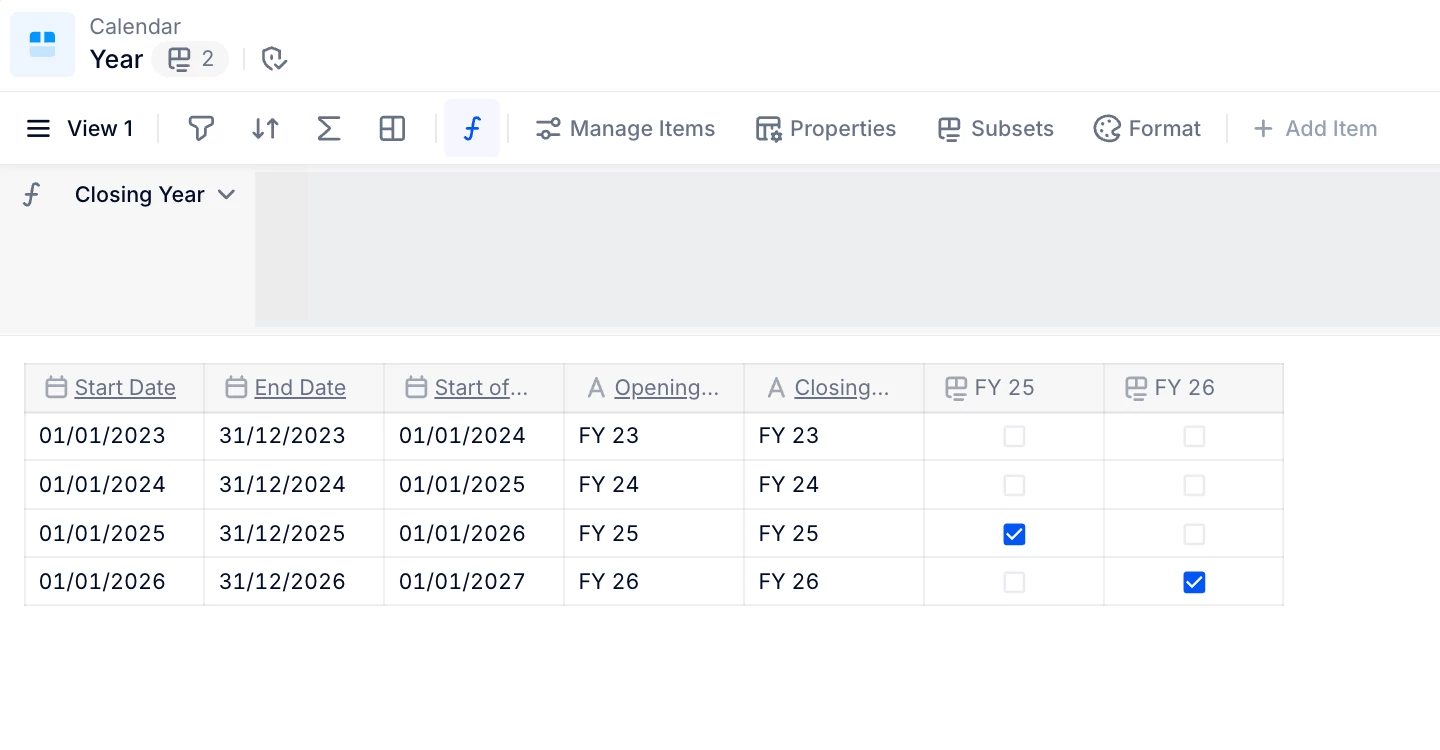
This allows you to display the empty input metric without needing to hide empty rows or columns, and should help you achieve the layout you’re looking for.
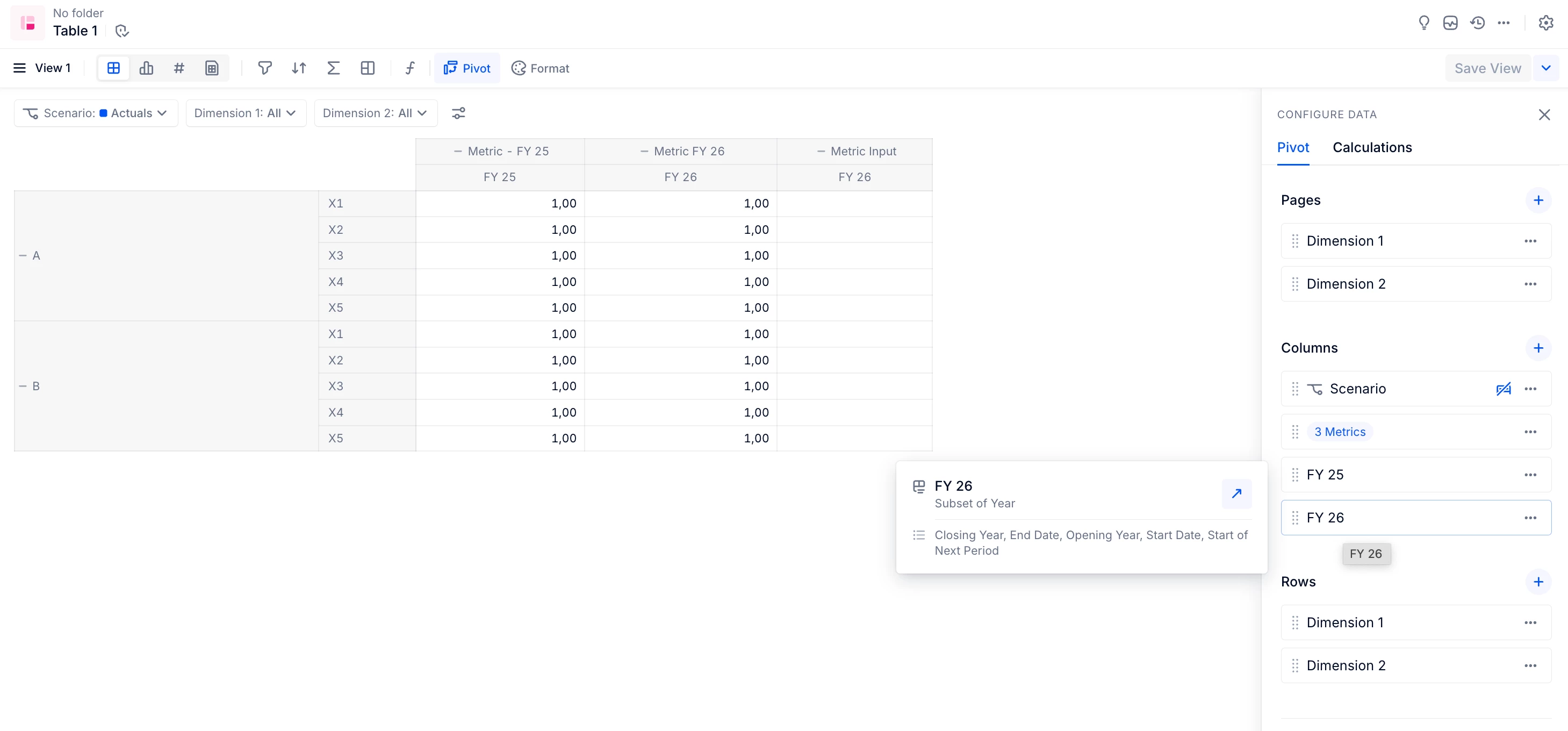
Make sure to review the documentation on how to properly use subsets, especially for input metrics. Be aware that unticking the subset boolean can result in losing manual inputs.
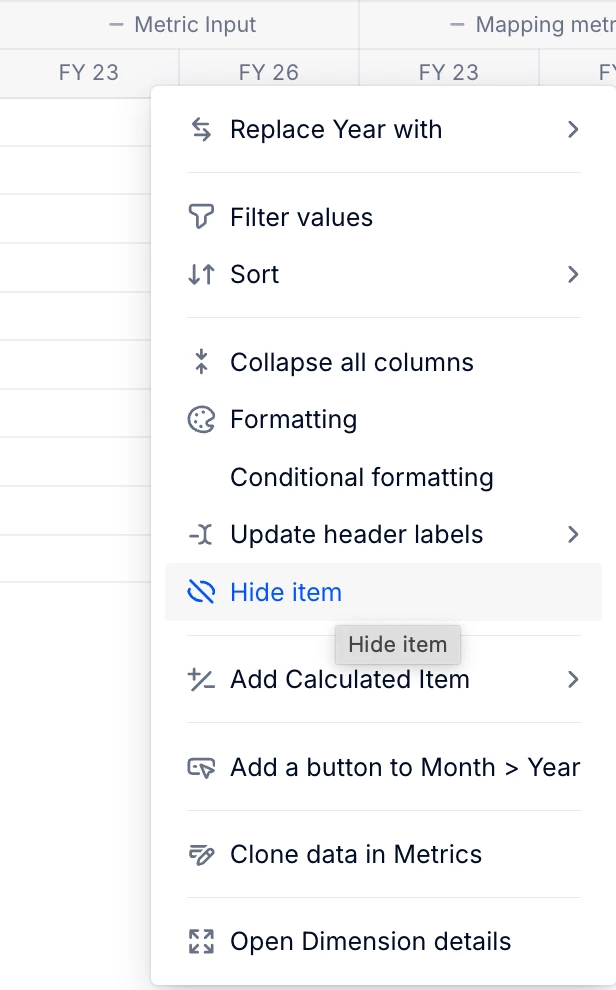
In addition, you could submit a product idea to enhance the Hide item functionality, so it can be applied to specific metrics rather than all metrics in the view.
Hope this helps!





Enter your E-mail address. We'll send you an e-mail with instructions to reset your password.