



Hi friends,
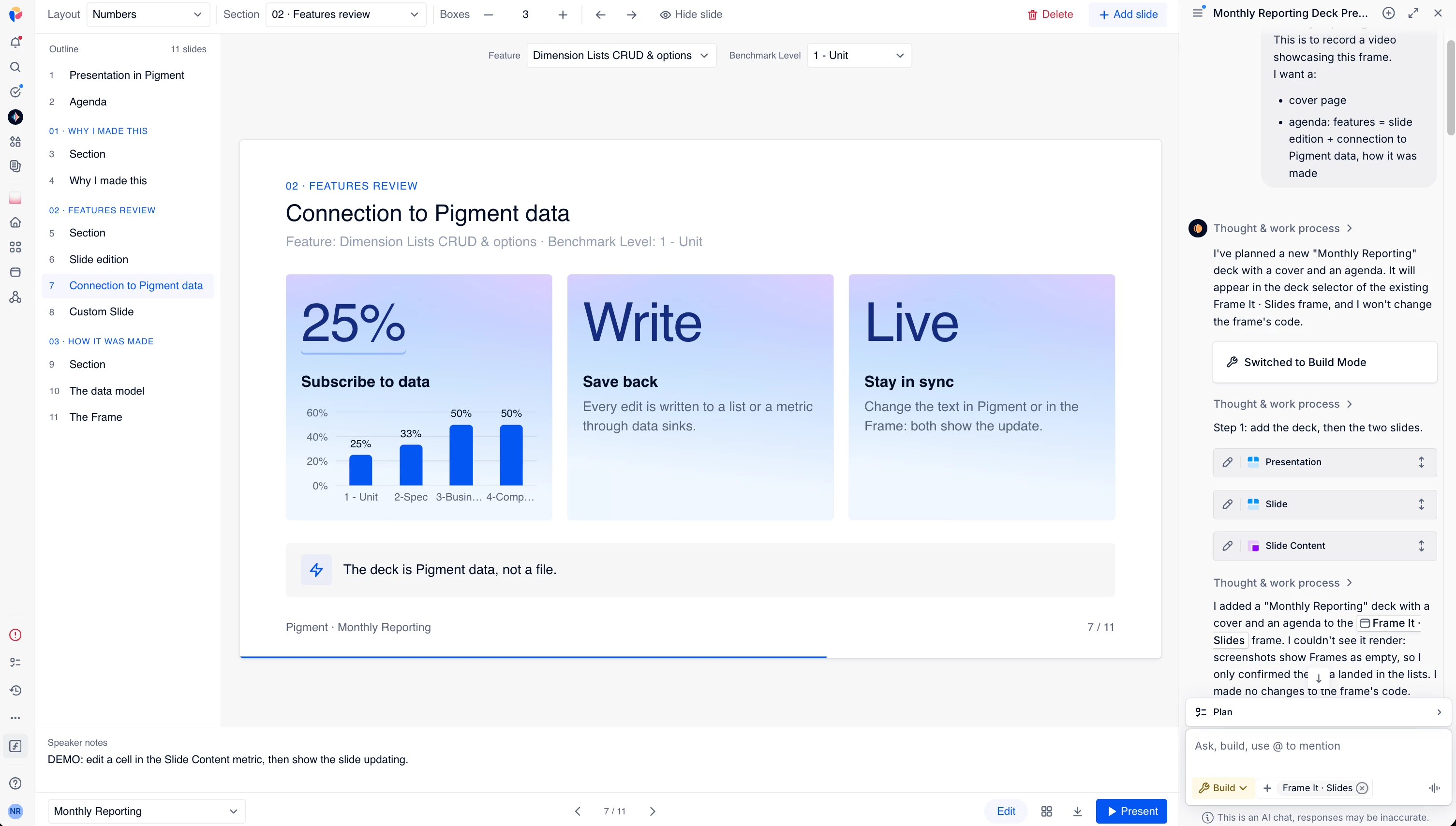
I built a slide editor in Pigment Frame, announced it on Linkedin (here’s the post).
I got a LOT of request to share the prompt-result so other people can do the same.
So I’m sharing it here.
I attached 3 files:
- slide it code: the code of the frame
- slide it resources: how this frames plugs into a Pigment app
- skill.txt: an explanation for Agents how to rebuild it
Load the 3 files to the Modeler Agent and say:
build a new app "Slide it Test".

Build a frame following the instructions in the attached skill.txt


Don't re-invent the code nor the resources of the Frame, take them from the code and resources attached txt
I encourage you to build this in a stand alone app to which you will share blocks you need the data connected in your slides.
This should give you something like this:
enjoy !