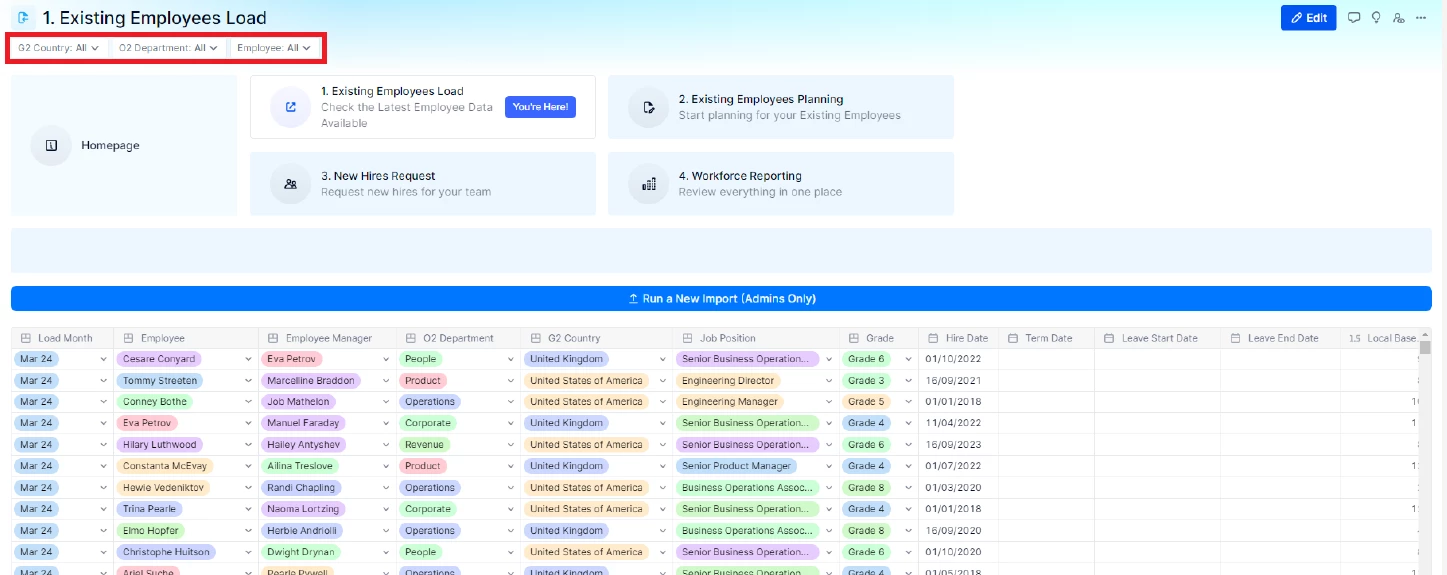
I’m currently working on the TrainingPro and I’m struggling to understand how to add a selector to my Board.
My Board only contains a TransactionList, and as far as I know you can’t add a page selector inside a TransactionList that would show up as a selector in the Board.
Is there a way to create a standalone selector in the Board, or do I need to add another widget just to generate a page selector?
Thanks for your help!
Best answer by Chahat
Hi @Amel ,
I hope , I have understood your question correctly. If you want to add a page selector to a transaction list:
Open the transaction list, follow the below steps:
Click on “Properties” tab (available adjacent to Manage Items)
It will open up a right panel to configure Data
In the “Pages” section, you can add the filter in the transaction list
Once added, it will automatically be added on the board as well.